Reveal the Hidden Story
Behind Every Photo
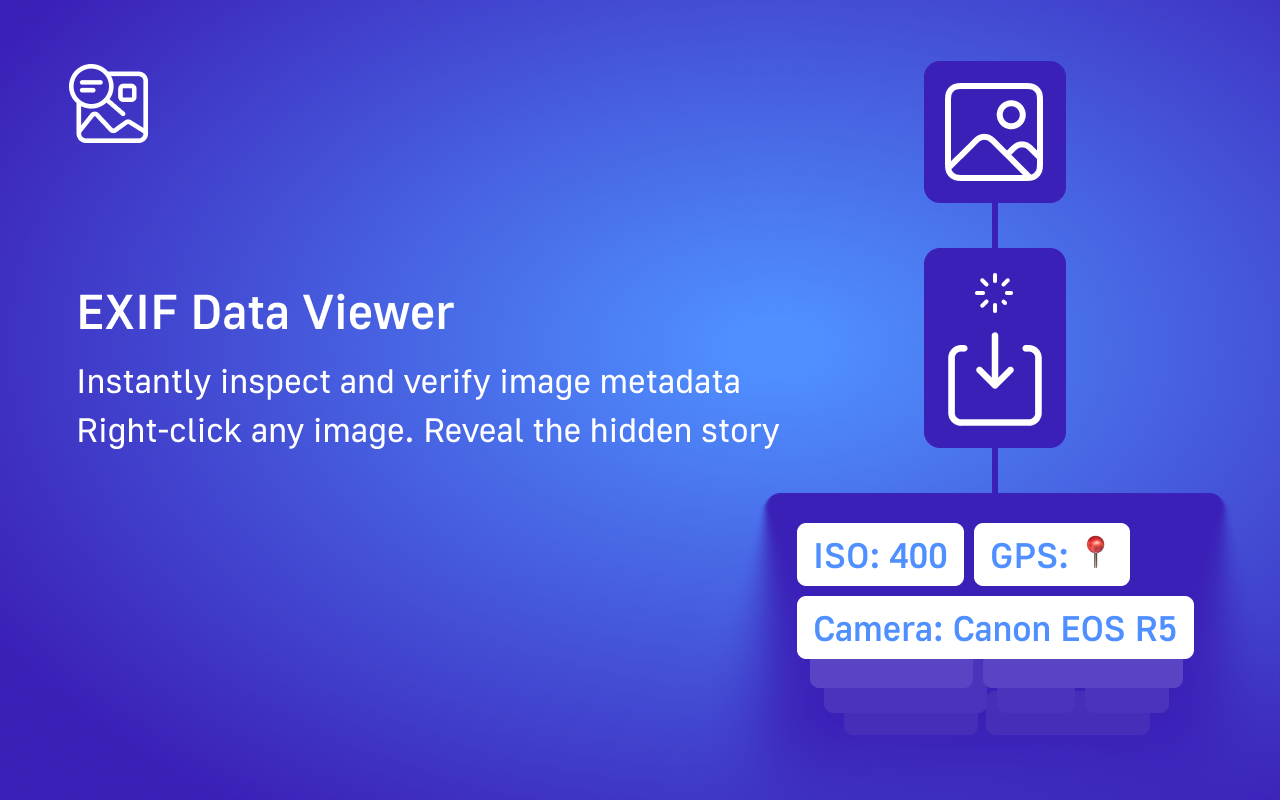
Instantly inspect and verify image metadata from any website. Right-click any image to see camera settings, GPS location, timestamps, and more.
Trusted by investigators, journalists, and privacy-conscious professionals
See it in action
Everything You Need to Verify Images
Professional-grade EXIF analysis tools, designed for investigators, journalists, and anyone who needs to know the truth behind an image.
Right-Click Analysis
View metadata from any web image instantly. No downloads, no uploads, no hassle.
GPS Location Map
See exactly where photos were taken with embedded Google Maps preview.
Camera & Settings
ISO, aperture, shutter speed, lens information - all the technical details at a glance.
Privacy-First
All processing happens locally in your browser. Your images never leave your device.
Wide Format Support
JPEG, PNG, HEIC, RAW, WebP, TIFF - works with virtually any image format.
Image History
Quick access to recently analyzed images for easy reference and comparison.
Simple as 1-2-3
No complicated setup. No learning curve. Just right-click and reveal.
Right-Click Any Image
Browse to any website and right-click on any image you want to analyze.
Select 'View EXIF Data'
Choose the EXIF Data Viewer option from the context menu.
Explore the Metadata
View organized metadata including camera info, GPS location, timestamps, and more.
Frequently Asked Questions
Got questions? We've got answers.
EXIF (Exchangeable Image File Format) data is metadata embedded in photos by cameras and smartphones. It includes information like camera model, settings (ISO, aperture, shutter speed), date/time, and sometimes GPS coordinates.
Absolutely. EXIF Data Viewer processes all images locally in your browser. Your images are never uploaded to any server. We don't collect, store, or transmit any of your data.
We support virtually all common image formats including JPEG, PNG, WebP, TIFF, HEIC (iPhone), and professional RAW formats like Canon CR2, Nikon NEF, Sony ARW, and Adobe DNG.
Many platforms (social media, messaging apps) strip EXIF data including GPS coordinates when images are uploaded. If an image shows no GPS data, it was likely removed by the platform or the original photographer.
Yes! EXIF Data Viewer is built with investigators, journalists, and fact-checkers in mind. It provides comprehensive metadata analysis that can help verify image authenticity and trace image origins.
Ready to Reveal the Truth?
Join thousands of investigators, journalists, and privacy-conscious professionals who trust EXIF Data Viewer.
Add to Chrome